

Download Amazon Music – Music Streaming, Podcasts, Offline Playback
Overview
Amazon Music is a free-to-download audio application developed by Amazon Mobile LLC, designed to help users access and enjoy their music and podcast libraries across smart devices. The software enables seamless streaming and offline playback of music purchased through Amazon, as well as content stored locally on the device. It serves both casual listeners and dedicated audiophiles, particularly those already integrated into the Amazon ecosystem.
The app supports users with varying needs through multiple subscription tiers: Free, Prime, and Unlimited. Each tier offers distinct access levels to songs, playlists, and features like ad-free listening and high-definition audio. Amazon Music aims to provide a comprehensive audio experience, including curated recommendations based on listening habits and access to over 28 million songs.
The software also supports importing playlists from platforms like Spotify, Apple Music, and Deezer, offering a bridge for users transitioning from other services. Real-world use cases include on-the-go listening, home entertainment, and podcast discovery, especially for Amazon Prime members who benefit from additional perks. The developer did not provide additional system requirements or detailed performance metrics.
Key Features & Capabilities
- Cloud and Local Music Access – Users can stream or download music from their Amazon cloud library and play audio files stored directly on their device.
- Offline Playback – Available with Prime and Unlimited subscriptions, allowing users to save tracks for listening without an internet connection.
- Personalized Recommendations – The app tailors content such as “My Soundtrack” and curated playlists based on user preferences and listening history.
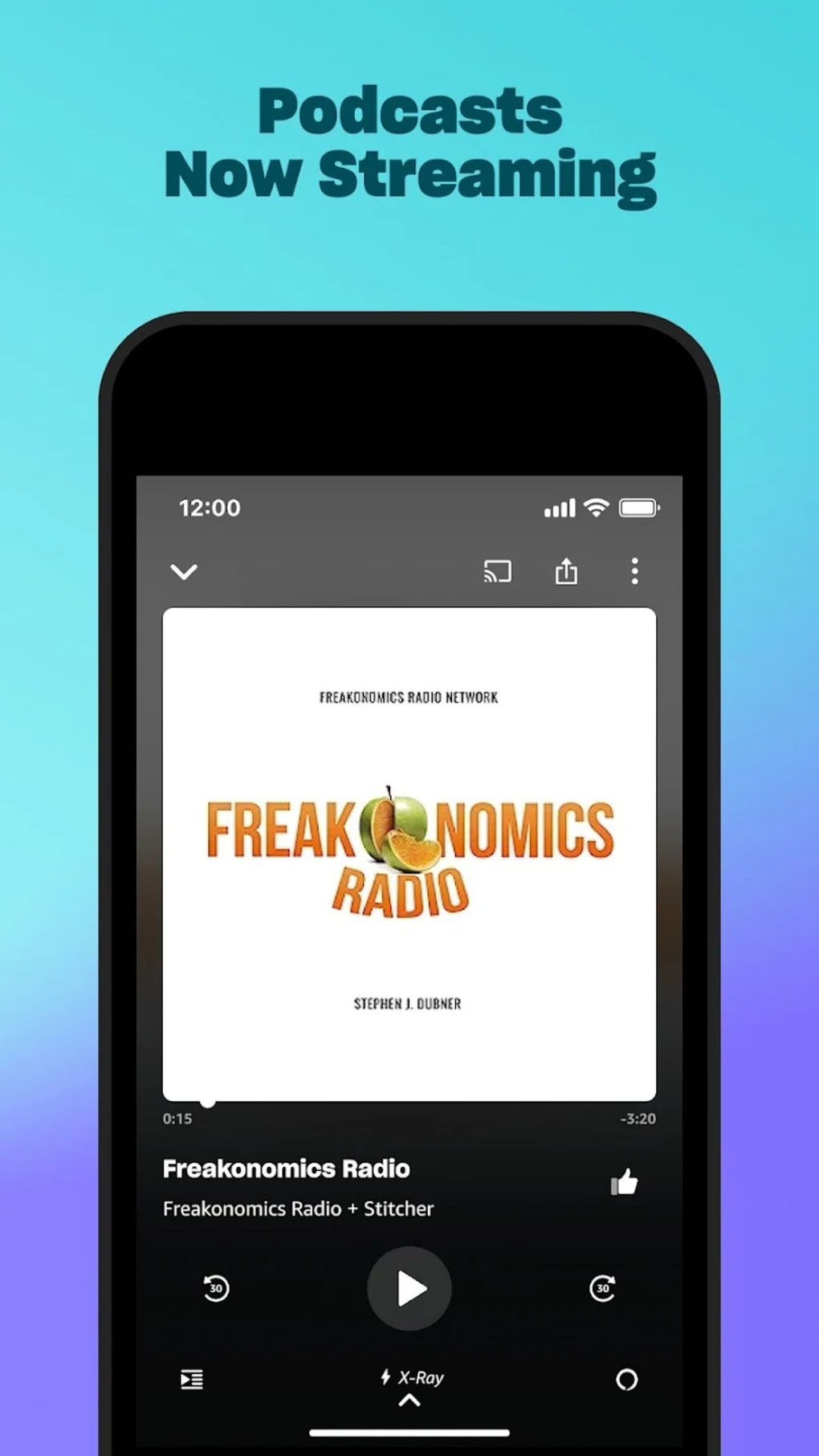
- Podcast Library – Offers access to thousands of podcasts, including exclusive BBC content available worldwide, covering genres like true crime, comedy, news, and sports.
- X-Ray Feature – Provides real-time song insights such as lyrics, artist facts, and production details, though not all tracks support this functionality.
- Playlist Import – Supports importing playlists from Spotify, Apple Music, Deezer, and other major platforms, enabling a smooth transition for users switching services.
- High-Definition Audio – Available with the Unlimited subscription, including support for HD and Ultra HD audio, as well as spatial audio playback.
These features enhance user engagement by offering flexibility in content access and personalization. For example, users can build a custom library by selecting favorite artists and podcast topics during onboarding. The ability to import playlists reduces setup time and increases user retention. Offline playback is particularly useful for travelers or users in low-connectivity areas. However, the Free version limits functionality, including ad interruptions, shuffle-only playback for non-All-Access tracks, and no skip option, which may affect user satisfaction.
User Interface, Workflow & Performance
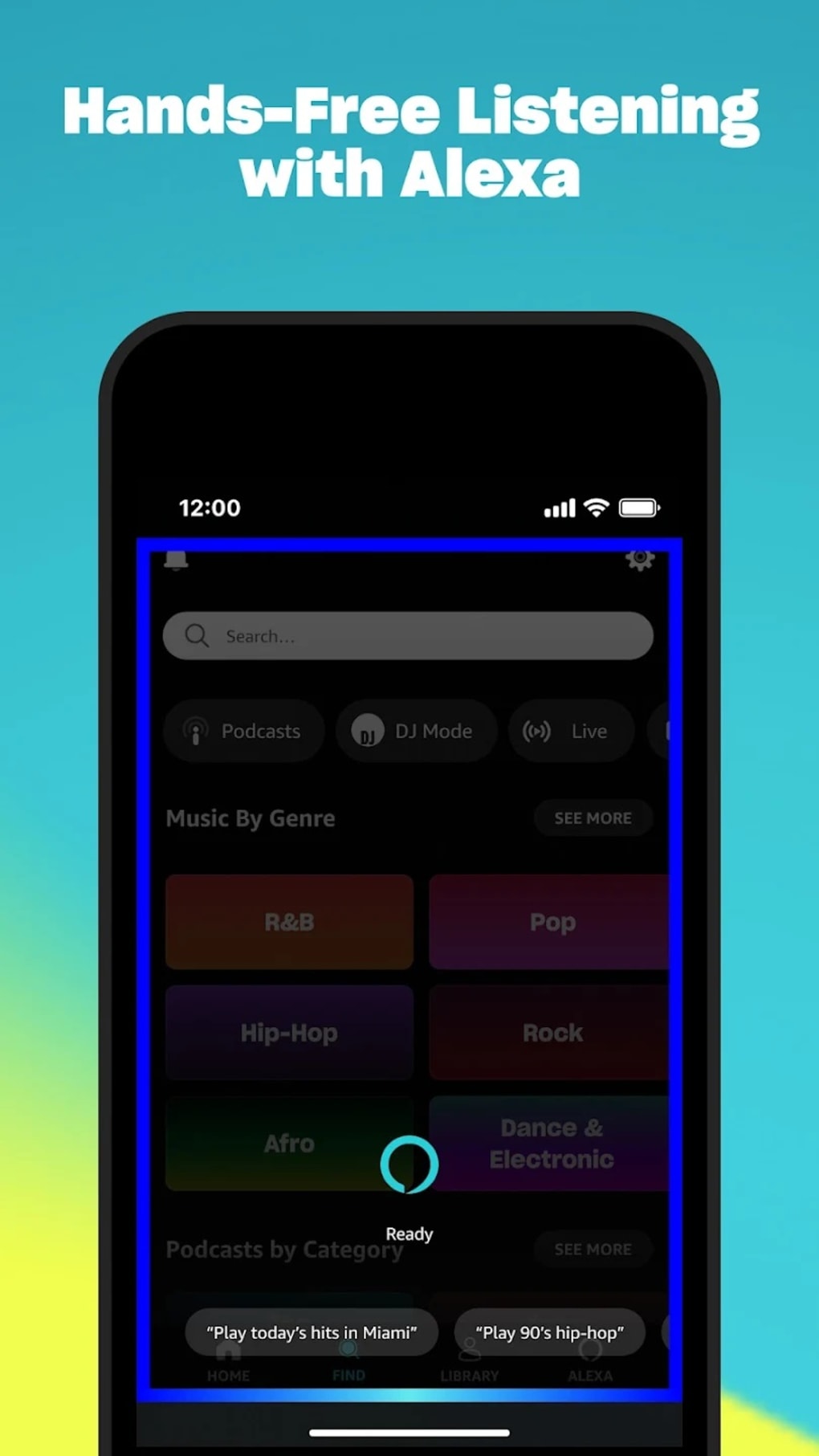
The user interface of Amazon Music is structured around a bottom navigation bar with tabs for Home, Find, Library, Alexa, and Upgrade, complemented by top-level icons for Activity, Settings, Music, and Podcasts. The layout is clean but can feel cluttered, especially in the Free version due to ad placement. Navigation is generally intuitive, with clear categorization of content such as “Made for You,” “Recently Played,” and downloaded tracks in the Library section.
Workflow efficiency is moderate; users can discover new music, create playlists, and manage their library with minimal steps. However, some users report that the app occasionally gets stuck on “Downloading” status, experiences unexpected crashes, or stops audio playback mid-session. These issues persist even after restarting or reinstalling the app.
The developer did not specify resource usage details, so CPU and RAM behavior remain unknown. Performance observations are based on general software behavior patterns. Stability appears inconsistent across devices, and there is no indication of automatic background refresh or sync optimization.
Compatibility & System Requirements
Amazon Music is designed to run on multiple platforms, though specific operating systems were not detailed in the provided information. The software is available for download on Windows, Mac, iOS, and Android devices, supporting both desktop and mobile use. Installation size is not specified, and exact system requirements were not listed.
Compatibility information was partially provided. Users may need to sign in with an Amazon account to access core features, and account verification includes email and mobile number confirmation. The app does not allow removal of the phone number directly within the application, requiring users to manage this through Amazon’s Login & Security settings.
Offline playback functionality is dependent on subscription tier, with limited availability in the Free version.
Pros and Cons
Pros
- Access to over 28 million songs and a growing podcast library, including exclusive BBC content.
- Supports playlist import from Spotify, Apple Music, and other platforms.
- Offers HD and Ultra HD audio with the Unlimited subscription.
- Provides personalized recommendations and curated content like Amazon Music Originals.
- Free download with a basic tier available for casual listeners.
Cons
- Free version includes ads and limits functionality, including no skip option and shuffle-only playback.
- Offline downloads are deleted upon sign-out, requiring re-download.
- App stability issues reported, including crashes, playback stops, and stuck download statuses.
- Phone number cannot be removed within the app, requiring external account management.
- UI lacks polish compared to leading competitors like Spotify and Pandora.
FAQ Section
Is Amazon Music free to download?
Yes, Amazon Music is free to download. However, full access to music and features requires a subscription, with the Free tier offering limited functionality.
Can I use Amazon Music without an Amazon account?
No, users must sign in or create an Amazon account to access the full library, including streaming, downloading, and personalized features.
Does Amazon Music support offline playback?
Yes, offline playback is available with Prime and Unlimited subscriptions. The Free version does not support this feature.
What types of podcasts are available on Amazon Music?
Amazon Music hosts a wide range of podcasts, including exclusive BBC content such as BBC Global News Podcast, Morbid, Smartless, and The Ramsey Show.
How do I update Amazon Music?
Updates are typically delivered through the app store (e.g., Microsoft Store, Apple App Store, Google Play). Users should ensure automatic updates are enabled for the latest version.
Final Thoughts
Amazon Music offers a functional platform for music and podcast streaming, particularly appealing to Amazon Prime members and users invested in the Amazon ecosystem. While it provides a broad selection of content, personalized features, and high-quality audio options, performance issues and interface limitations hinder the overall experience. The Free version is restrictive, and technical glitches such as playback failures and stuck downloads reduce reliability.
For users seeking a polished, stable, and ad-free experience, alternatives like Spotify or Pandora may be more suitable. However, for those already using Amazon services, Amazon Music presents a viable option with added value through integration and exclusive content. Download Amazon Music now and explore your favorite tracks and podcasts.






.png)
